
After a hard day’s work, all you want to do is sit down in front of the TV and enjoy your favourite show. As you turn it on, you’re presented with a “No Signal” message, so what do you do?
No Signal
There are numerous things that can cause your TV to stop broadcasting, some are easy to fix while others require professional attention. Getting to the source of the problem can be difficult, a “No Signal” message doesn’t always mean you’ve no signal in your home. If you aren’t sure whether you need emergency aerial repairs in Plymouth or a faulty cable replacement in Devon, it is best to call out a professional to assess the problem.
Here are some things you can try before contacting a repair specialist.
- Check Your Connections– Many people forget to check if their aerial cable is connected, they immediately think there’s a problem with the aerial and call a satellite specialist to come fix it.
- Wrong Input– This is one of the most common problems in homes, someone has pressed the wrong button and the TV is showing a “No Signal” message. You must choose the input you are going to use, i.e., HDMI1, HDMI2 etc.
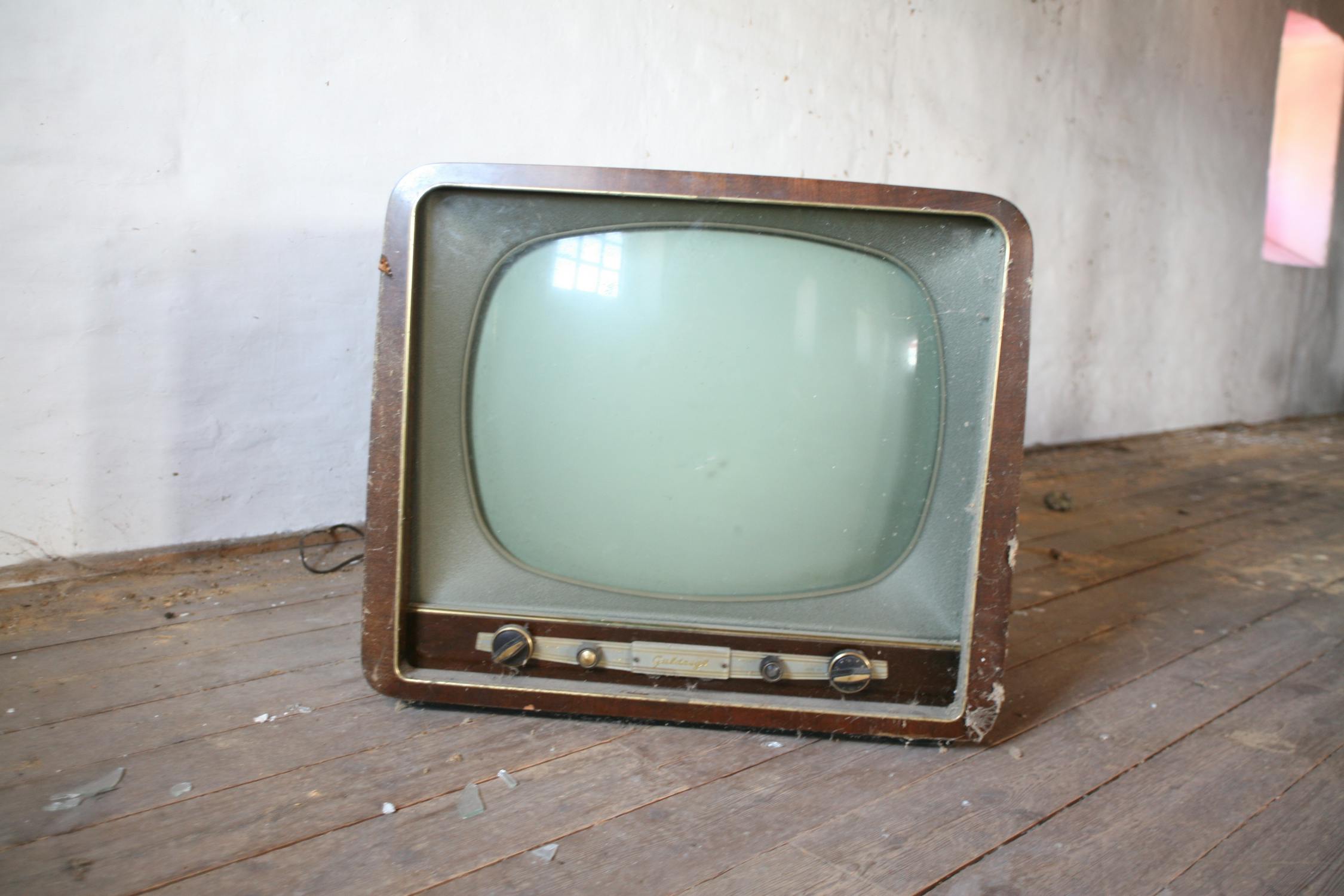
- Faulty TV– There may not be a problem with your aerial at all, your TV may be at fault. If your TV is old and past repair, your only option is to buy a new one.
Diagnosing a problem without the help of a professional can be tricky, if your TV isn’t working and you need help, call a repair specialist.

